
YunZheng Workspace
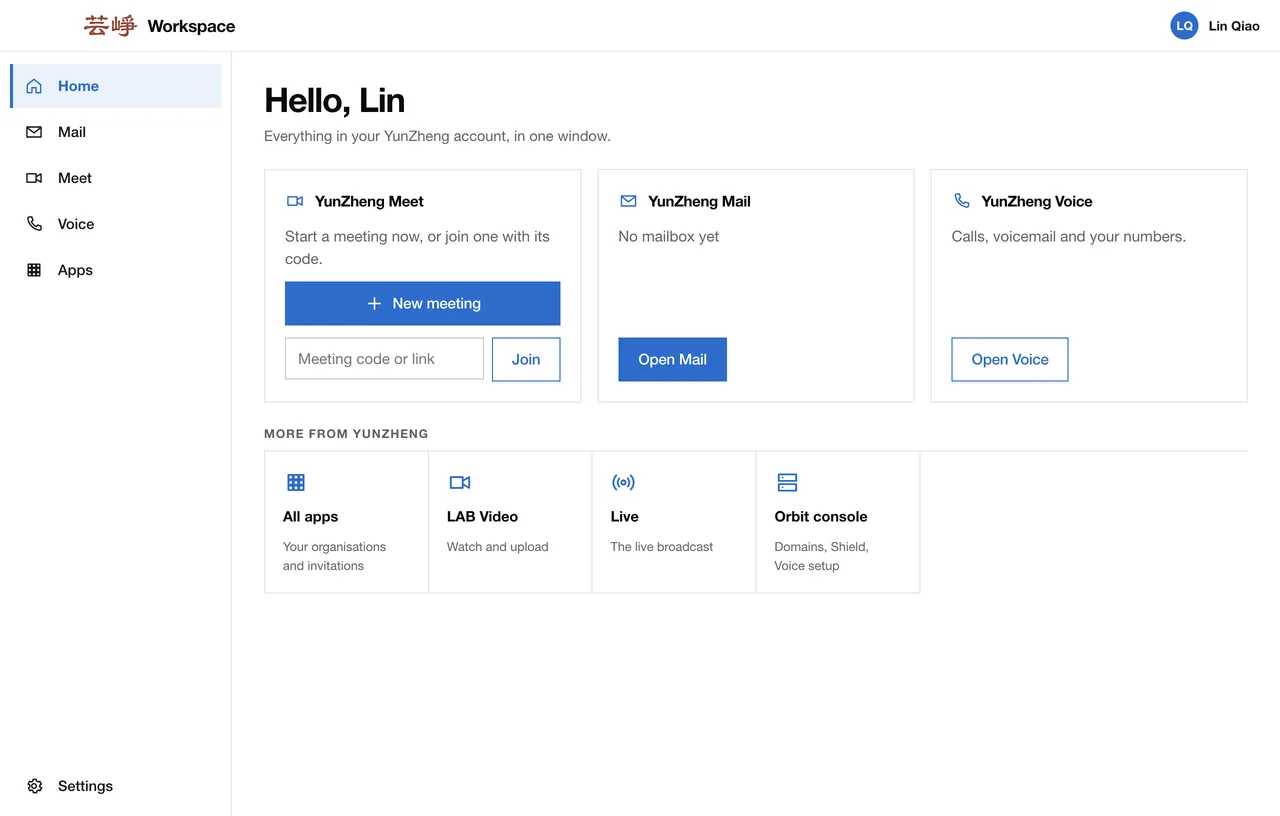
Mail, Meet and Voice in one app. YunZheng Workspace puts your YunZheng account in one window on your computer and your phone: your mailbox with new-mail notifications, meetings with your camera and microphone, your phone extension and the rest of your apps. Free for personal use, built on Orbit.
What you get
One sign-in
Sign in once in your browser. Mail, Meet, Voice and your other apps open already signed in, and stay that way.
Your whole mailbox inside the app, and a notification on the computer when new mail arrives in the Inbox.
Meet
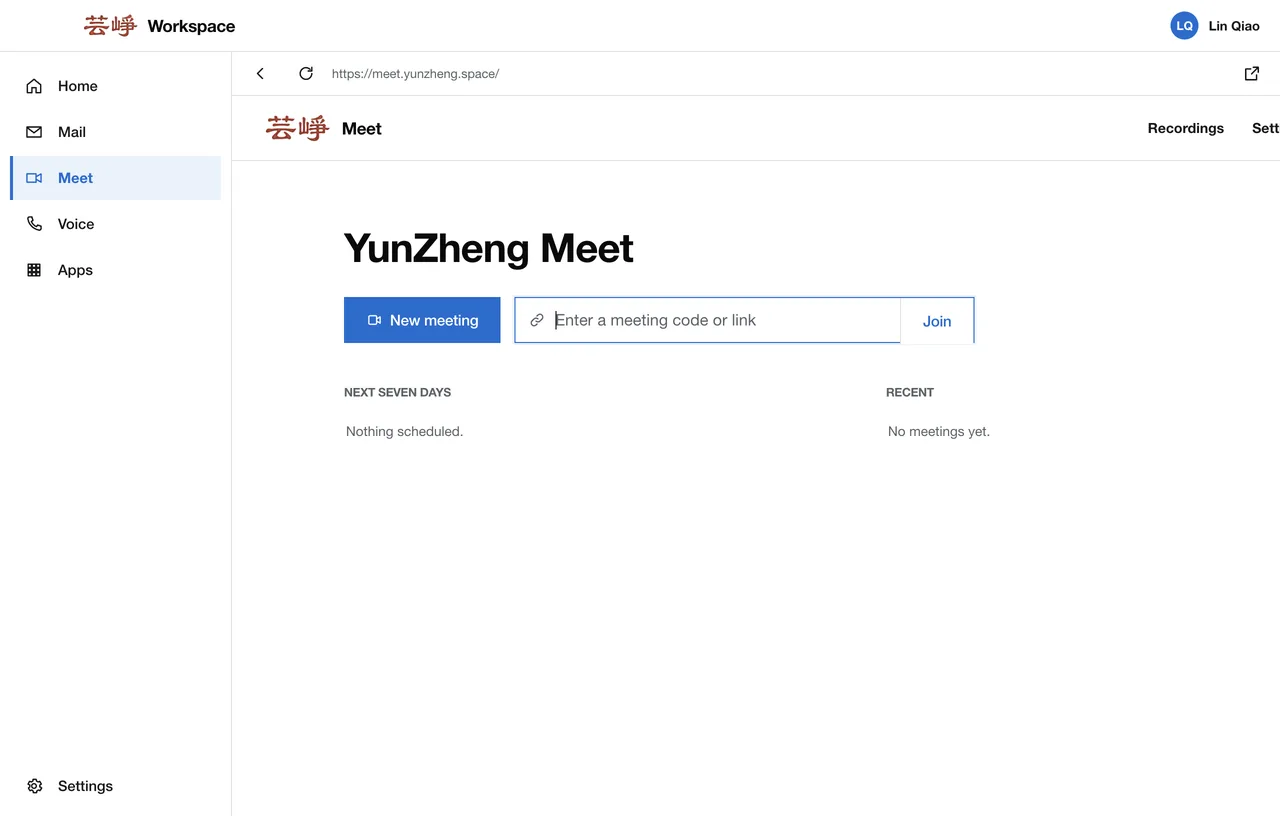
Start a meeting, or join one with its code or link, and talk with your camera and microphone without leaving the app.
Voice
Calls, voicemail and your numbers, one click from your mail.
Your other apps
LAB Video, Live and the Orbit console one click away; your organisations and invitations under All apps.
In the background
Keep it running in the menu bar or the notification area when the window is closed, and open it at login.
Keyboard shortcuts
Move between Home, Mail, Meet, Voice and Apps without the mouse.
Light or dark, English or Chinese
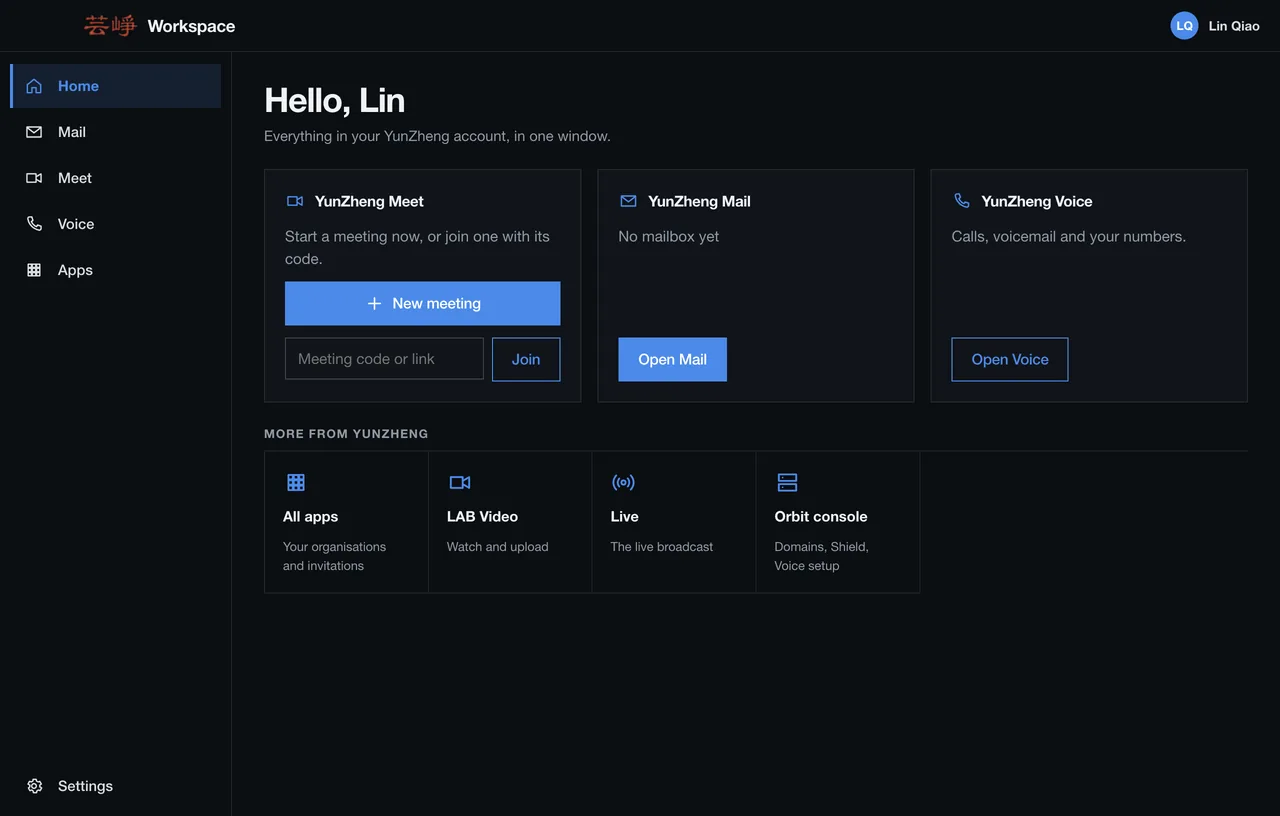
Follows your system's appearance; switch the language in Settings.
Updates
Checks for new versions by itself, with a stable and a beta channel to choose from.
Screens
Platforms
| System | Builds | Minimum |
|---|---|---|
| macOS | Apple silicon; Universal (Apple silicon and Intel) | macOS 12 |
| Windows | One installer for x64 and Arm64 | Windows 10 |
| Android | APK download; Google Play coming | Android 8.0 |
| iPhone | TestFlight coming | iOS 15 |
Preview builds, not code-signed yet: the downloads page shows how to check and open them.
How to start
- Download YunZheng Workspace for your computer or Android phone.
- Open it and choose Sign in with YunZheng. Sign-in finishes in your browser, and the app updates by itself. No account yet? Create one on the sign-in page.
- Start from Home: a new meeting, your unread mail, or your phone.
Questions
- Is it free?
- Yes. The app is free, and so is personal use of Mail, Meet and Voice within the free YunZheng LAB allowance. Membership is for businesses and startups.
- Which systems does it run on?
- macOS 12 or later (Apple silicon and Intel), Windows 10 or later (x64 and Arm64) and Android 8.0 or later. The iPhone app is coming through TestFlight.
- Why does my computer warn me when I open it?
- These are preview builds and are not code-signed yet. The downloads page explains how to check the file and open it on macOS, Windows and Android.
- Do I need the app?
- No. Everything in it also works in the browser, starting at apps.yunzheng.space. The app adds notifications, a place in the menu bar or notification area, and one window for all of it.
- What is it built on?
- Orbit, the platform YunZheng LAB runs its products on.